01
AI Auto-Classification Technology
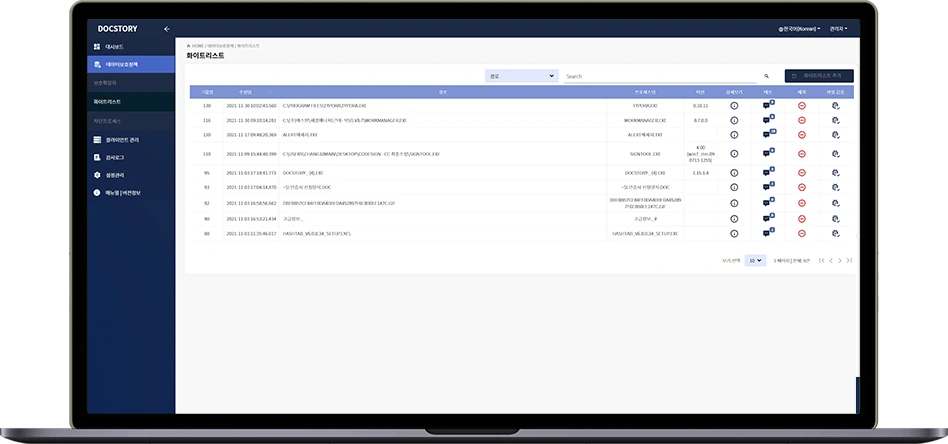
AI evaluates unknown programs and maintains the trust list on its own. This cuts manual management, long the hardest part of running a whitelist, by more than 95%.
Learn more about AI auto-classification95%
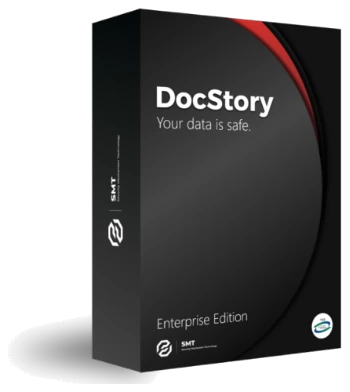
DocStory Enterprise
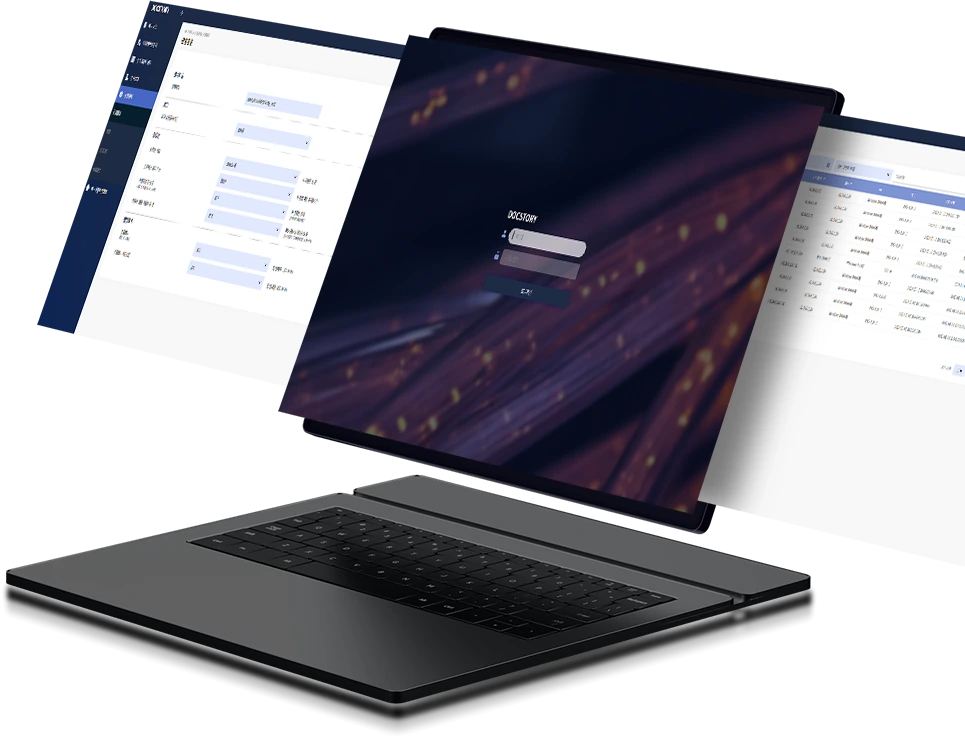
A new kind of ransomware protection unlike anything you have used before
 GS CertificationGrade 1 software
 Security Function Verification CertificateFirst issued in Korea
 Listed on KONEPSKorea's public e-procurement mall · Product ID no. 23181932
Edition
Designed for enterprise operating environments, it adapts flexibly as your environment changes.
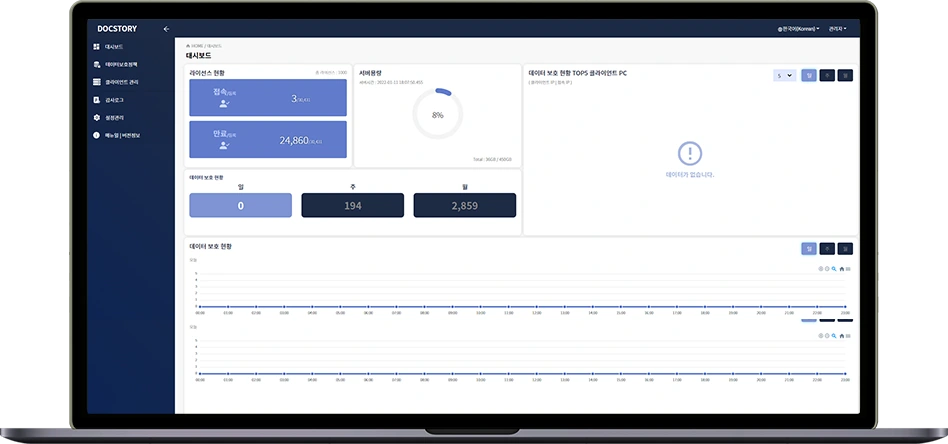
It meets the varied requirements of each industry right away, minimizes administrator workload and maximizes visibility for an optimal TCO.
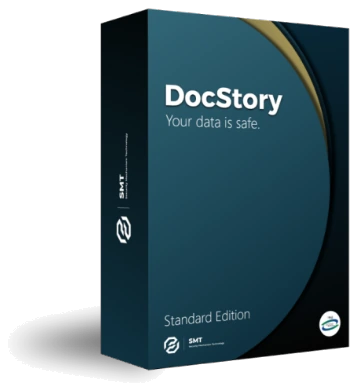 Other EditionDocStory Standard EditionA stable product, proven by passing tests against more than 100 Korean government security function requirements.
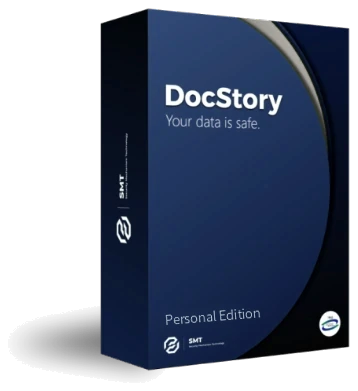 Other EditionDocStory Personal EditionAn edition for individual users and small offices that protects the important documents on your PC with the same preemptive blocking engine and AI auto-classification as our business and public-sector editions.
Korea's First Adaptive Whitelist Technology
Built on a Proven Self-Protection Engine
Blocks New and Variant Malware Before It Strikes
01
AI evaluates unknown programs and maintains the trust list on its own. This cuts manual management, long the hardest part of running a whitelist, by more than 95%.
Learn more about AI auto-classification95%
02
Meets integrity, confidentiality and availability tests under Korean national evaluation criteria. Security certifications and technology patents secure its technical edge.
Learn more about self-protection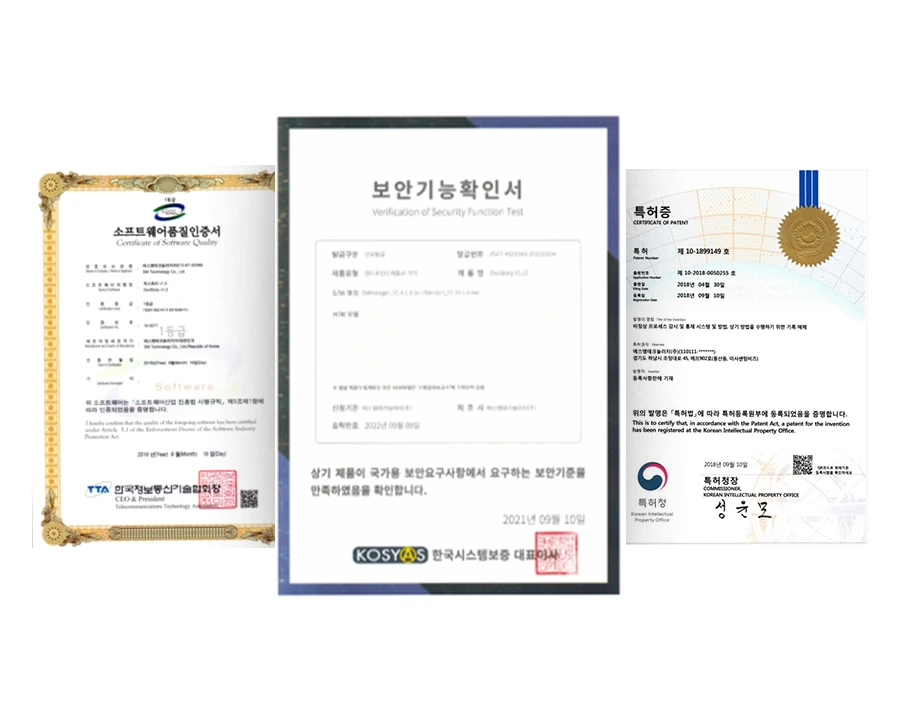
03
The only security solution in Korea that has commercialized whitelist technology. More than 500,000 units delivered provide a steady stream of data.
500K+ units delivered
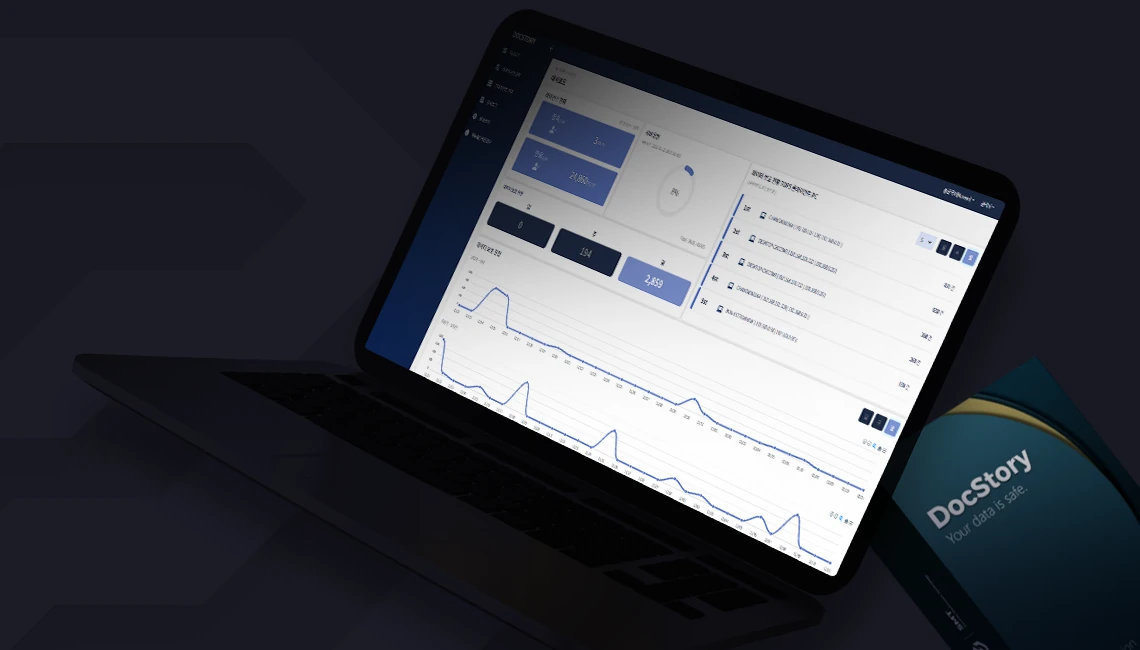
Your data is safe.
Leave us a message and our team will get back to you as soon as possible.